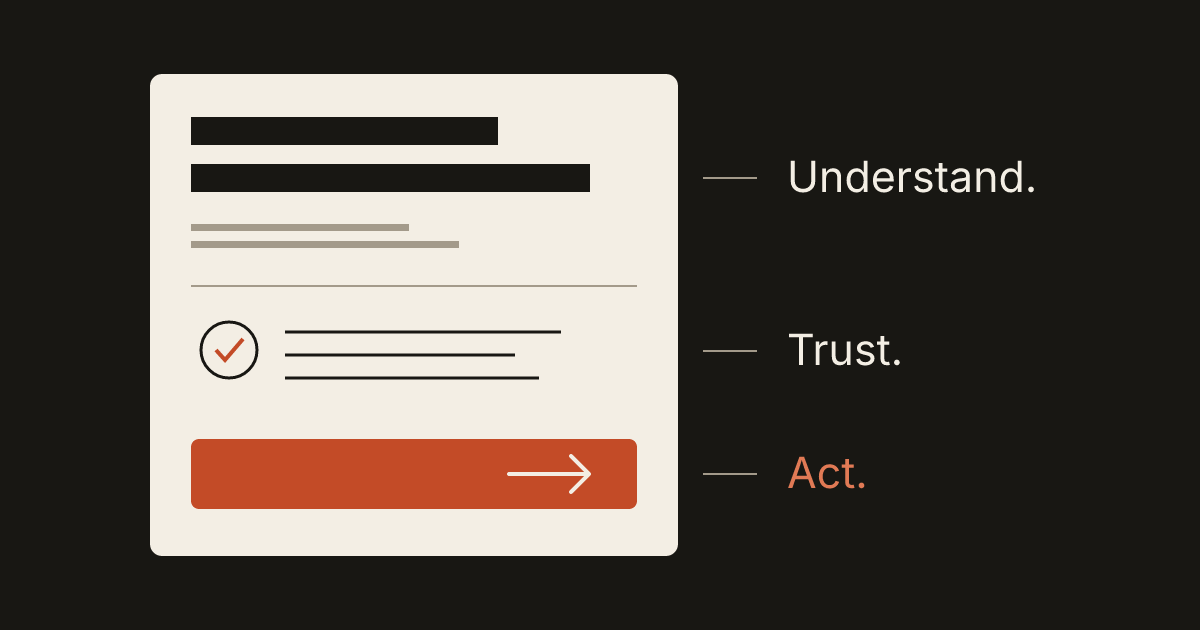
A homepage earns its place by helping a visitor decide whether the business can help them. The design should make that decision easier: explain the offer, establish relevant trust and show a sensible next step.
That sounds straightforward until the page must accommodate several services, the owner's story, project photos, promotions and every sentence the team likes. When everything receives equal emphasis, customers have to assemble the message themselves.
A useful way to plan the page is to work through the questions a potential customer brings with them. The following structure is a starting point for that conversation, not a mandatory template or a promise of higher conversion.
“Am I in the right place?”
The opening screen should identify the kind of work, who it serves and any location boundary that matters. A visitor should not have to infer the service from a stock photograph or decode a slogan before finding a concrete explanation.
For a fictional home-organizing business, “Make room for what matters” could express the brand's personality. It needs a practical companion: “Home organization and move-in unpacking for households in Pittsburgh's East End.” That sentence lets a prospective customer judge relevance.
For a specialist serving clients remotely, the useful boundary may be industry or project type rather than neighborhood. Say what helps someone qualify themselves. A long list of locations in the opening paragraph can obscure the service just as easily as an abstract tagline.
Keep the headline and the supporting sentence doing different jobs. The headline introduces the main value. The next sentence supplies the service, audience or constraint. Repeating the same thought in three decorative labels does not add clarity.
“Can you handle my particular need?”
Name the main services in the language customers use. Internal department names and creative package labels may be meaningful to the team while leaving a new visitor unsure which path to take.
The organizing business might group its work into home organization, move-in unpacking and ongoing maintenance. Each choice needs a short distinction: the situation it helps with, what happens next and a link to more detail. The homepage does not need every possible drawer, room and storage accessory.
If services differ substantially, give each one a deeper page. A commercial buyer and a homeowner may need different proof, timelines and ways to request an estimate. Their paths can begin together without forcing both to read the same extended explanation.
Google's people-first content guidance asks whether a page serves its intended audience and helps that audience achieve a goal. Use that as a content test, not a ranking formula: after reading the service summary, can someone explain what you actually do?
“Why should I trust this business?”
Choose proof that supports the decision in front of the visitor. For a service with visible results, original project photographs and a clear description of the work can be useful. For work that is difficult to photograph, show the process, relevant experience or a concrete example of the deliverable.
A project example should identify the problem, the work performed and the scope you can honestly discuss. Publish only material you have permission to use. Remove addresses, names, personal records or other details that do not belong in public.
If you use a testimonial, preserve its meaning and identify its source appropriately. Do not turn a hypothetical project into a case study or borrow an unrelated review to fill an empty section. A newer business can show the people, the approach and a truthful sample without implying a history it does not have.
Put proof near the claim it supports. A sentence about careful installation belongs near the work detail that demonstrates it. A generic trust banner at the bottom cannot explain every promise made earlier.
“What would working with you involve?”
Customers often need the outline of the process before they are comfortable making contact. Explain the steps that change their commitment: inquiry, conversation or assessment, written scope, scheduling and delivery.
For the organizing example, a useful sequence might be an initial inquiry, a discussion of the rooms involved and an agreed session plan. It should explain whether the customer supplies storage materials or chooses them later. Those details matter more than giving each step an impressive name.
Describe timing at the level the business can support. If a start date depends on availability or approval, make that condition clear. Avoid an instant-booking button when every request actually needs a manual review; the interface should reflect the real process.
Pricing can also reduce uncertainty without pretending every job costs the same. Show an actual fixed price when the scope is genuinely fixed. Otherwise, explain the factors that affect an estimate and what information the business needs to prepare it.
“What should I do now?”
Choose one primary action for the main journey. “Request an organizing session” communicates more than “Get started.” “View service areas” can be a useful secondary action for someone still checking whether the business is a fit.
The destination should match the promise. If a button says “Book a consultation,” the next screen should explain or provide that booking. A general contact page with no relevant instructions creates extra work.
W3C's writing guidance for accessibility recommends meaningful link text and clear instructions. This is useful editorial guidance as well: a person should understand what a link will open and what a form asks them to provide.
A short form is appropriate when a short answer is enough to begin. Ask for the information the receiving person will actually use, explain any essential attachment and show a clear confirmation. If choosing between an inquiry and a calendar is difficult, read our guide to the customer's next step.
“Can I use this comfortably on my phone?”
Review the page as a sequence, not just a reduced desktop layout. The headline, proof, services and action may need a different arrangement when there is one narrow column.
Keep contact information as selectable text. Check that a sticky header or banner does not cover the button, that a menu can be closed, and that a visitor can understand the offer without a hover effect. Read the page with images unavailable to see which essential facts are missing from the text.
Motion can help explain a process, but a customer should not have to complete a long animation to find the phone number. Make the content available and the important action reachable while preserving the business's visual personality.
Review the page with one real task
Before approving the design, write a scenario: “I am moving into the service area next month and want help unpacking.” Ask someone unfamiliar with the draft to find the relevant service, explain the next step and identify what they would need to send. Watch where the page leaves them uncertain.
Then revise the actual gaps. A missing service boundary needs a sentence. Weak proof needs better material. A confusing action needs a more accurate label or destination. Adding another decorative section rarely solves those problems.
If you are planning a homepage, start the brief with your customers' questions. Bring the offer, practical details and proof you already have. Those inputs give the design something useful to organize.