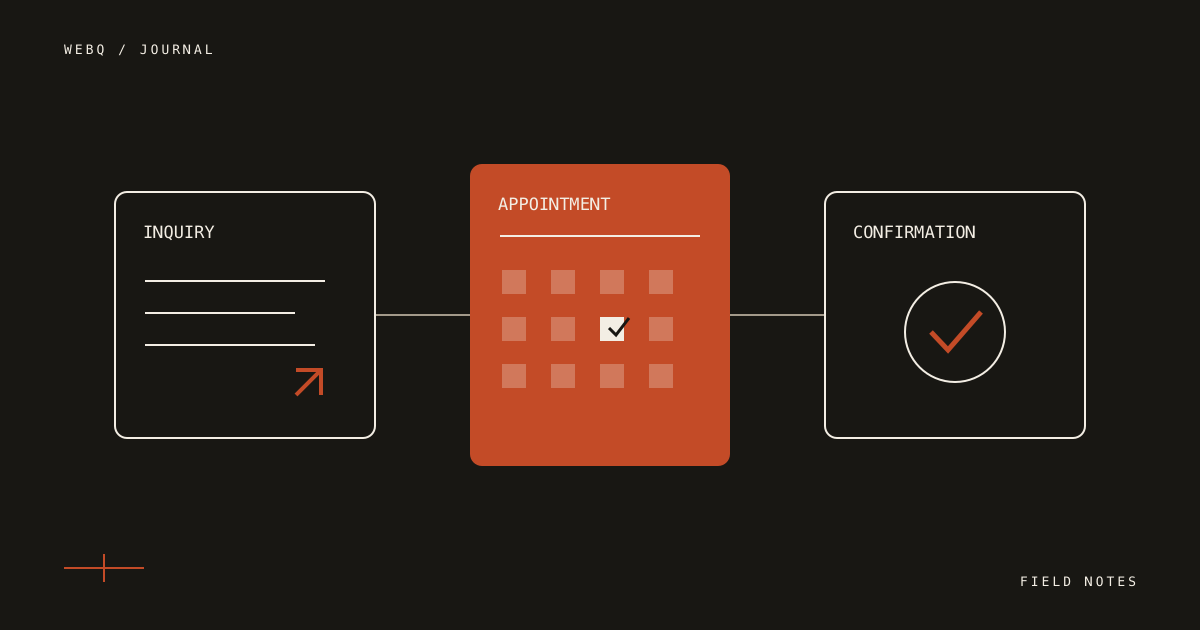
The right button depends on what happens after someone clicks it. “Contact us,” “Book a visit” and “Pay a deposit” can all work, but each asks the business to be ready for a different commitment.
Start with the service, the uncertainty in its scope, and the way your team actually works. The interface should reflect those decisions.
Use an inquiry when the job needs a conversation
A custom project, an unusual repair or a service with many possible configurations often needs a few details before anyone can promise a time or a price.
Ask for what you need to take the next step: contact information, the type of work, a short description, and perhaps a photograph when it genuinely helps. Explain what happens next and who will reply. Do not label a request form “Book now” if no time is reserved.
A fictional landscaping example: replacing one hedge might be straightforward, while redesigning an entire yard needs a site visit and a scope. The same company can offer different paths for those services without forcing every visitor through the longest form.
Use appointments when the service is repeatable
Scheduling works well when you can define the duration, location, availability and preparation instructions in advance.
Before connecting a calendar, decide:
- Which person or team owns the appointment?
- How much time belongs before and after the service?
- Which time zone does the customer see?
- What happens when the customer needs to reschedule?
- Is the appointment confirmed immediately or reviewed first?
These are operational choices. A polished calendar embed cannot resolve an unclear availability policy.
Add payment when the commitment is clear
A deposit can be part of a booking flow when the amount, service and next steps are already understood. Show the amount before sending the visitor to checkout. Distinguish a deposit from the total price, and make the business's cancellation and refund terms easy to find.
Use the payment provider's supported flow. A small business site generally does not need its own card-entry system. Provider fees and account approvals are separate from designing the website, so make sure the account is ready before promising a launch date.
Design the quiet states too
A booking experience is more than its first screen. It also includes an unavailable slot, a validation error, a declined payment, a confirmation and a reminder.
For each state, give the visitor an understandable next step. Preserve the information they already entered when an error can be corrected. Label fields visibly; a placeholder disappears as soon as someone starts typing. The web.dev forms course explains the underlying form, label and validation patterns in more detail.
On a phone, check the keyboard type, tap targets, date selection and the amount of scrolling. Test the experience inside the provider's hosted flow as well as on your own page. A beautiful front page does not compensate for a confusing last step.
A practical way to choose
| If the customer needs… | Start with… | The business must have… |
|---|---|---|
| A tailored scope or estimate | A short inquiry | A clear reply process |
| A known service at a chosen time | Appointment booking | Real availability and duration |
| A confirmed service with an upfront commitment | Booking plus payment | An approved provider account and clear terms |
Our Business Site offer offers Presence, Essentials and Plus, with additional functions agreed individually before payment. The useful upgrade is the one that matches your process today.
If the process is still uncertain, describe it in the brief. A simple, reliable customer journey is a good starting point.