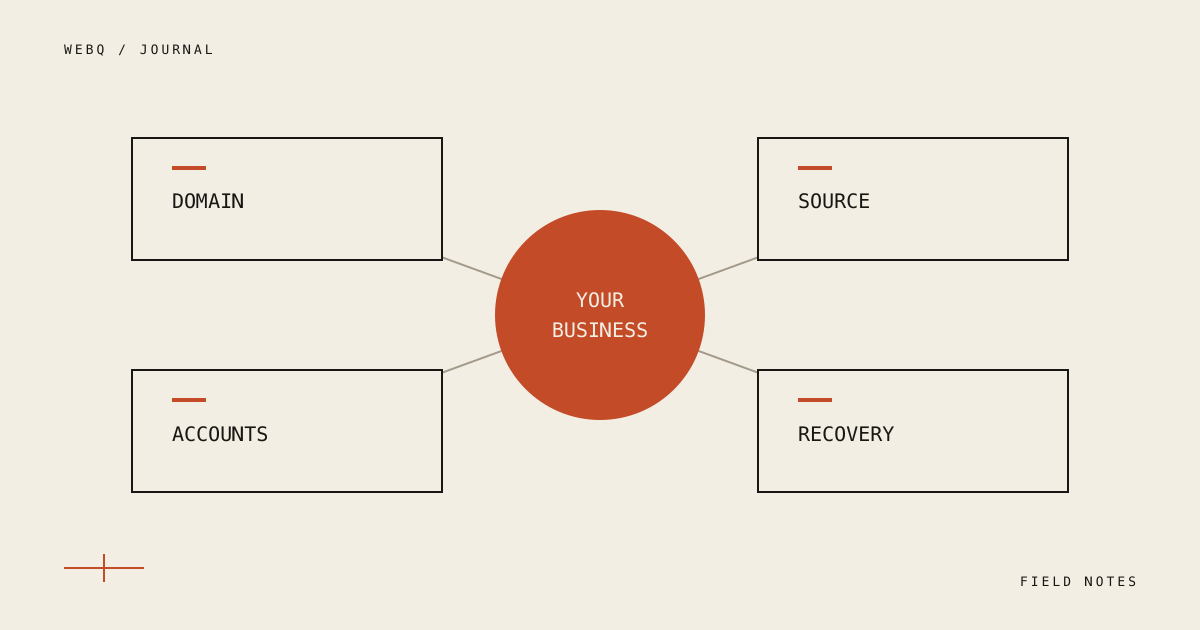
A website handoff should let you operate the site after the build is complete. That means more than receiving a password and a link to the homepage.
The practical question is simple: if you needed to change a paragraph, renew the domain, restore the site or work with a different developer, would you know where to begin?
Separate the website from the accounts around it
A public website usually depends on several systems. The domain points people to it. Hosting runs it. An email provider may deliver form messages. A calendar, analytics account or payment provider may support specific features.
List each service, its purpose, who owns the account, and when it renews. Keep this inventory in a place the business controls. Store secrets in an appropriate password manager, rather than putting them in a shared project document or sending them around in chat.
At Webq, hosting, domain and data belong in the customer's accounts from the beginning. This makes the eventual handoff a continuation of the arrangement, not a last-minute transfer.
Ask for the editable source
A screenshot is a useful record of a design. It is not the material needed to maintain the implementation.
For a coded site, the handoff should identify the source repository, the version that is live, the build requirements and the deployment process. For a managed platform, it should identify the workspace, the site's owner and the access needed to edit it.
If there are third-party themes, libraries, fonts or purchased images, document them. Ownership of your project does not erase somebody else's license. The handoff should make ongoing dependencies visible without burying them in a wall of implementation details.
Document ordinary tasks
The most helpful instructions cover the tasks the owner will actually perform:
- Change text, photos and contact information.
- Publish or unpublish a page or article.
- Find an inquiry and check whether delivery succeeded.
- Add or remove a team member's access.
- Identify where renewals and provider charges are managed.
- Find the backup and restore procedure.
A short recording can help, especially when it follows one real task from start to finish. Written instructions should still exist so someone can search them later.
Make recovery concrete
“Backups are enabled” leaves important questions unanswered. What is included? Where is it stored? How recent is it? Who can restore it? Is there a dependency on an encryption key or another account?
Ask for a documented restore procedure and evidence appropriate to the project. A successful restore into a separate environment tells you more than the presence of a backup file. Do not test recovery by overwriting the only working copy of your production site.
End with a small acceptance checklist
Open the public site and verify the ordinary customer journey. Confirm that the domain resolves, pages and images load, the main action works, and the business receives its inquiries. Check access from the owner's own account, not only the developer's.
Record known limitations and agreed follow-up work. An honest list is more useful than calling every project “finished” while leaving its remaining responsibilities unclear.
The handoff is complete when ownership, daily operation and recovery are understandable. That is what makes a website an asset the business can keep using.
Planning a new site or a rebuild? Include your existing accounts and current access in the brief. It helps identify the handoff requirements before implementation starts.